
20 Design Reference Platforms Beyond Dribbble
A curated list of tools that go deeper than static shots — featuring real user flows, motion recordings, Figma files, component code, and design evolution.

Most designers rely on the same 2–3 sources for inspiration: Dribbble, Behance, Pinterest. That works — but only up to a point.
Static images don’t show motion.
You can’t inspect real product structure.
You don’t see how interfaces evolve over time.
You rarely understand what actually works in production.
So I decided to go deep. I reviewed every major design reference platform I could find — not just the popular ones — and analyzed how they actually help in real-world work.
The conclusion?
Dribbble and Behance are just the surface. There’s a much bigger ecosystem underneath.
Below are 20 platforms that give you something more: real user flows, video recordings, Figma files, component code, version history, or actionable best practices.
Why deep visual literacy matters
When you’ve seen hundreds of onboarding flows, you stop guessing.
When you’ve studied dozens of pricing pages, you recognize patterns instantly.
The issue with mainstream inspiration sources:
Dribbble → lots of beautiful concepts, not always realistic.
Pinterest → random visuals without context.
Behance → polished case studies, rarely iterative thinking.
The platforms below offer something different:
Video instead of static images
Figma files instead of flattened screenshots
Design evolution instead of one final version
Code references instead of just visuals
Best-practice explanations instead of pure galleries
The Platforms
1. Mobbin — Real User Flows in Motion
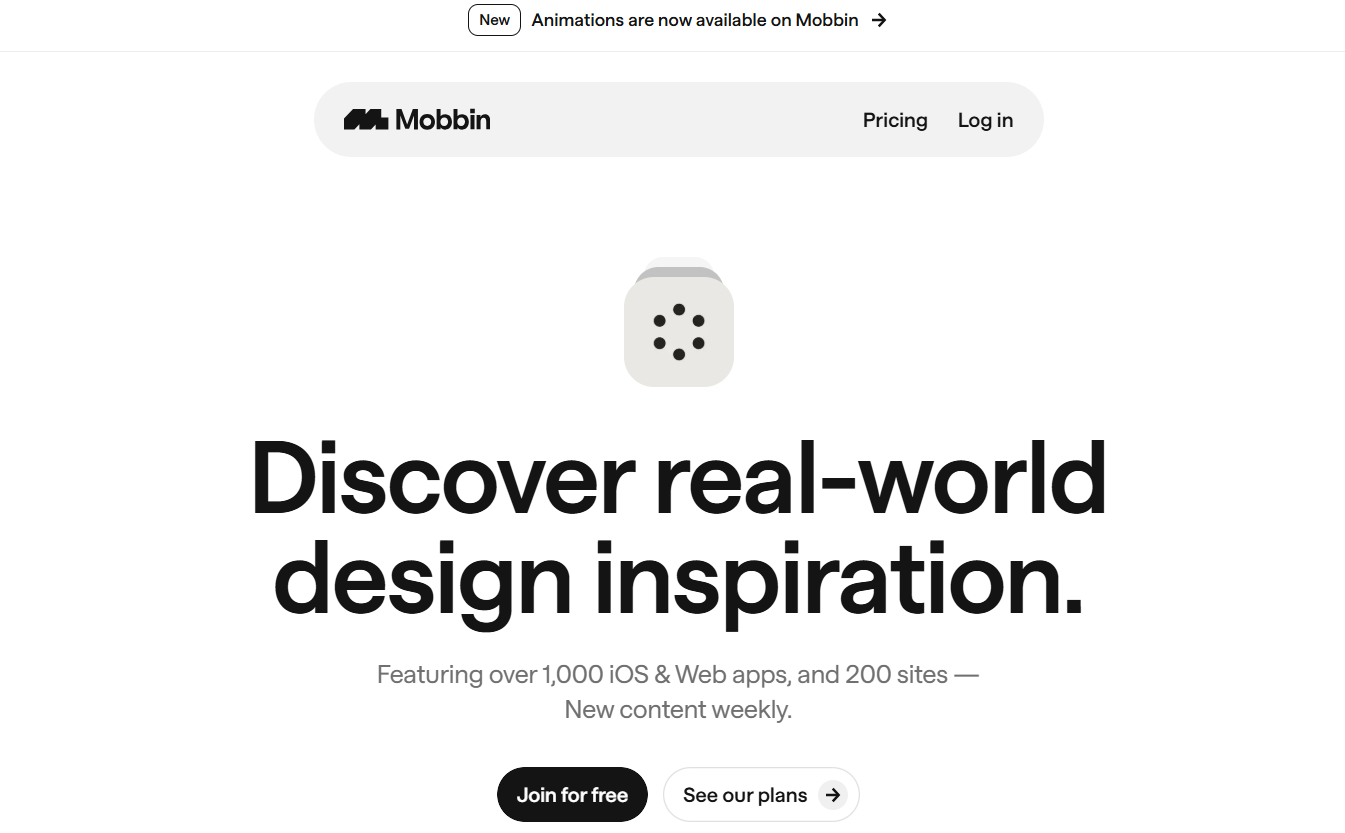
Best for: Mobile UX patterns
Mobbin’s strength is flow visibility. You don’t just see screens — you see transitions, states, animations, and interaction timing.
It’s heavily categorized (onboarding, payments, recovery flows, forms, etc.), so pattern research is fast and structured.
Cons: Focused mostly on mobile. Paid subscription.
Price: $12/month
Link: https://mobbin.com
2. SaaSFrame — Beyond Landing Pages
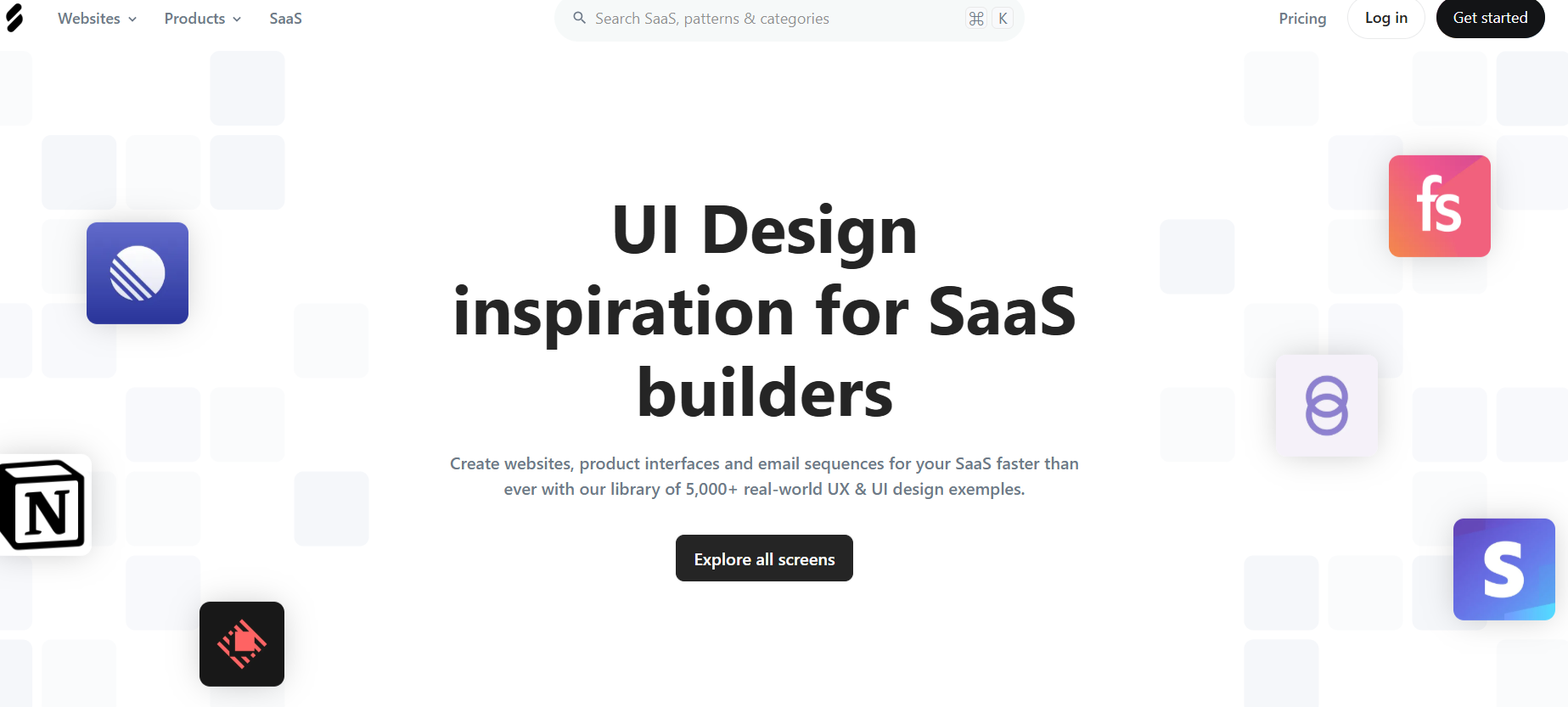
Best for: SaaS journeys (emails + product UI)
Most galleries show landing pages. SaaSFrame goes deeper: onboarding emails, product dashboards, internal UI patterns, and complete SaaS journeys.
Some pages include downloadable Figma files, which is rare.
Cons: No motion recordings.
Price: $14/month
Link: https://saasframe.io
3. Muzli — Inspiration in Your New Tab
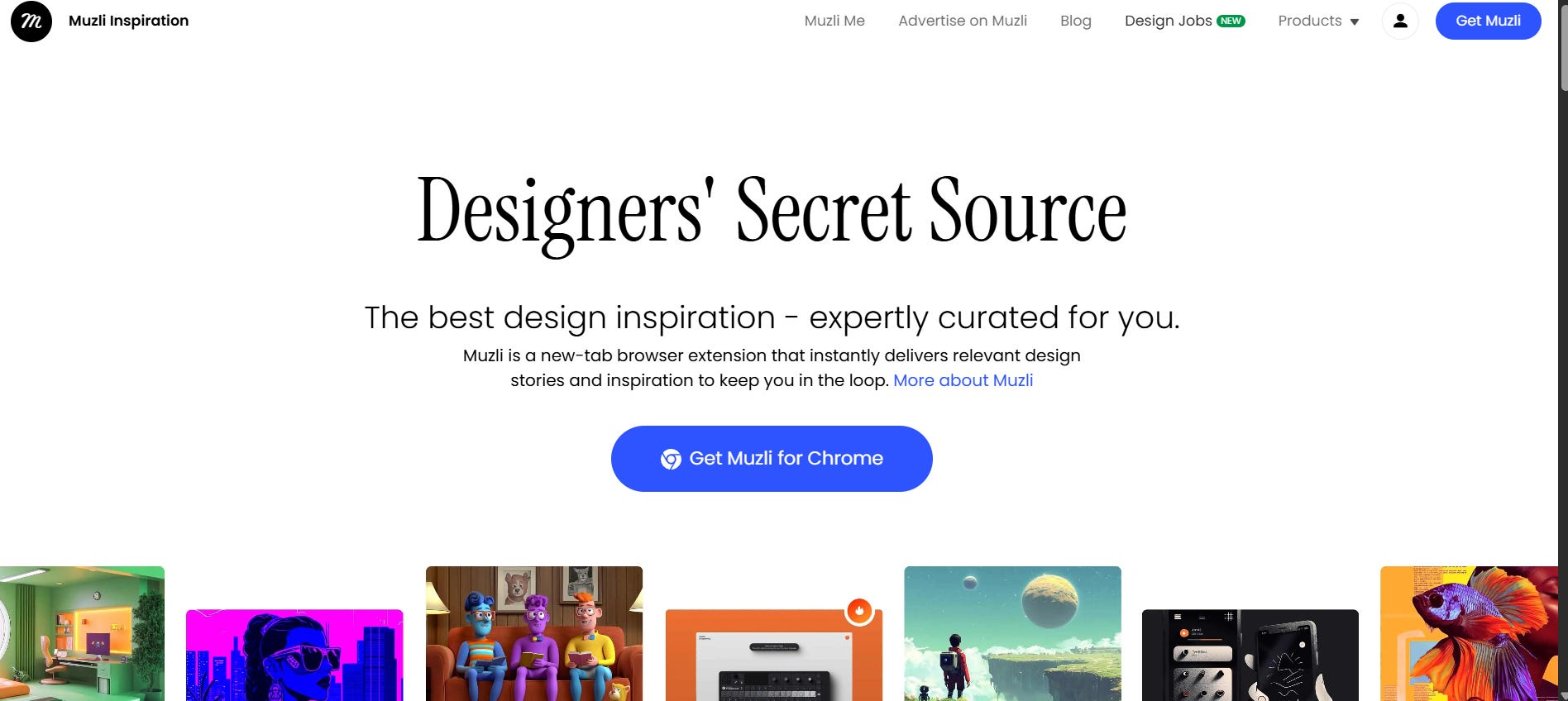
Best for: Passive visual intake
A Chrome extension that replaces your new tab with curated design content. Inspiration becomes ambient rather than intentional.
Cons: Can distract.
Price: Free
Link: https://muz.li
4. Awwwards — High-End Web Inspiration
Best for: Award-level web experiences
Curated, jury-reviewed websites. Good for studying premium brand execution and creative direction.
Cons: Heavy agency aesthetic. Less practical for SaaS/B2B.
Price: Free
Link: https://www.awwwards.com
5. Refero — Large-Scale UI Library
Best for: Web + iOS interface patterns
A large screenshot database covering dashboards, onboarding flows, marketing, and more. Offers a lifetime option.
Cons: Limited motion content.
Price: €14/month or lifetime option
Link: https://refero.design
6. Component Gallery — Design Systems with Code
Best for: System-level thinking
Instead of screenshots, you get real component implementations across multiple frameworks. Great for engineers and system designers.
Cons: Less visually curated.
Price: Free
Link: https://component.gallery
7. Land-Book — Design Evolution Tracking
Best for: Studying interface change over time
See how websites transform across iterations. Useful for understanding messaging shifts and structural changes.
Cons: Full history often behind PRO plan.
Price: Free + PRO
Link: https://land-book.com
8. Landing Love — Full Page Video Recordings
Best for: Motion-heavy landing pages
Captures complete landing page scroll recordings. Helps analyze animation timing and interaction choreography.
Cons: Focused only on landings.
Price: Free
Link: https://landing.love
9. Page Flows — End-to-End Product Journeys
Best for: Checkout, onboarding, upgrade flows
Structured around full user journeys rather than isolated screens. Excellent for SaaS and product research.
Cons: Subscription required for most content.
Price: ~$13/month
Link: https://pageflows.com
10. CSS Design Awards — Jury-Based Recognition
Best for: Award-winning web work
Another curated award ecosystem with professional review.
Cons: Smaller reach than Awwwards.
Price: Free
Link: https://cssdesignawards.com
11. Really Good Emails — Email UX Reference
Best for: Email structure & lifecycle design
Focused specifically on email UX patterns. Useful for SaaS and product marketing.
Cons: No performance metrics.
Price: Free
Link: https://reallygoodemails.com
12. LandingFolio — Color-Based Search
Best for: Brand-aligned visual exploration
Lets you filter landing pages by color palette. Helpful when working with strict brand systems.
Cons: Smaller dataset.
Price: Subscription
Link: https://landingfolio.com
13. Landing Gallery — Builder-Specific Examples
Best for: Webflow / no-code references
Filter by builder platform to ensure feasibility without custom code.
Cons: Quality varies.
Price: Free
Link: https://landing.gallery
14. SaaSPages — Best Practices Explained
Best for: Learning why sections convert
Explains common patterns for pricing, hero sections, CTAs. More educational than gallery-based.
Cons: Advice can be basic.
Price: Free
Link: https://saaspages.xyz
15. One Page Love — One-Page Focus
Best for: Startup landing formats
Human-curated one-page site collection with interviews and tutorials.
Cons: Narrow specialization.
Price: Free
Link: https://onepagelove.com
16. Scrnshts — App Store Visual Strategy
Best for: iOS marketing screenshots
Focused on App Store presentation design.
Cons: iOS-only.
Price: Free
Link: https://scrnshts.club
17. Collect UI — Component Exploration
Best for: Quick UI pattern scanning
Browse sign-ups, pricing tables, 404 screens, etc.
Cons: Many conceptual pieces.
Price: Free
Link: https://collectui.com
18. Godly — Modern Web Aesthetics
Best for: Trend discovery
Highly curated contemporary web designs.
Cons: Sometimes prioritizes visuals over usability.
Price: Free
Link: https://godly.website
19. Httpster — Experimental Web
Best for: Non-traditional design inspiration
Useful when you need something unconventional.
Cons: Rarely practical for mainstream products.
Price: Free
Link: https://httpster.net
20. Behance — Deep Case Studies
Best for: Portfolio storytelling
Great for showing full project narratives and hiring visibility.
Cons: Usually shows final states, not iterations.
Price: Free + PRO
Link: https://behance.net
How to Use This Without Overwhelm
You don’t need all 20 daily.
Daily:
Muzli (passive intake)
Weekly:
Awwwards
Godly
Before starting a project:
Mobbin / SaaSFrame / Refero
Component Gallery
Page Flows
Occasionally:
Land-Book
Httpster
Final Thought
Each tool gives you a different lens: motion, systems, marketing, experimentation, evolution.
Visual literacy isn’t built in a weekend. It’s built through consistent exposure and structured comparison.
After a few months of this approach, you’ll stop reinventing common patterns.
You’ll recognize solutions instantly. And most importantly — you’ll be able to explain your design decisions with confidence.
If you use something not listed here, share it. The ecosystem is bigger than any single list.
Also explore UIUXshowcase https://uiuxshowcase.com/ - Curated Best Web Design Inspiration, Top Design Resources, & AI tools.